
Description
Product Overview
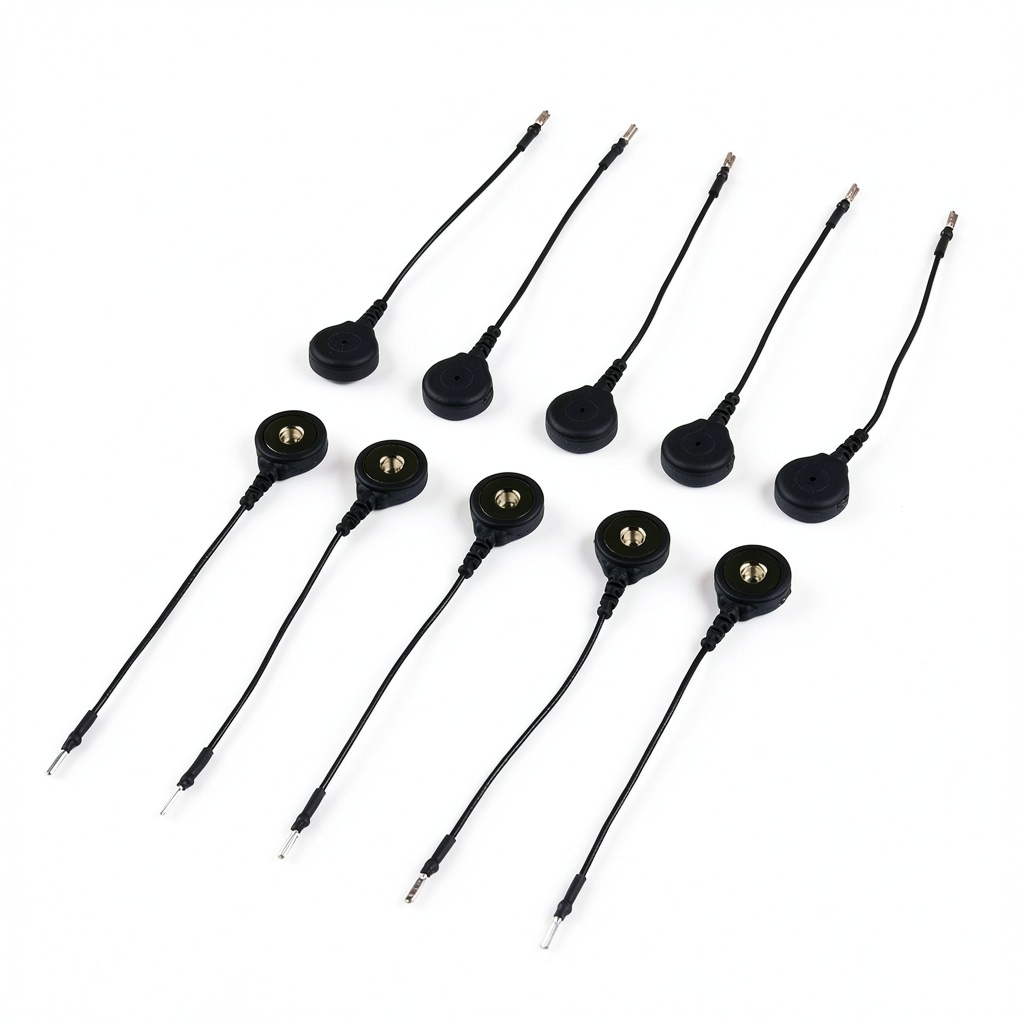
The MyoWare Reference Cable is designed to extend the built‑in reference pin of the MyoWare 2.0 Muscle Sensor. Crafted from flexible, durable insulated wire, the cable measures 4.69 x 3.07 x 0.39 inches and weighs only 0.63 ounces, making it unobtrusive in any setup. It features a snap‑in electrode socket that stays active even when the cable is connected, allowing seamless integration into robotics and bio‑electronics projects.
Usage
Perfect for hobbyists, researchers, and engineers, this cable lets you position the sensor pad on hard‑to‑reach muscles or robotic joints. Use it in prosthetic control, gesture‑based interfaces, or educational labs where precise EMG data is required. The cable works with any MyoWare 2.0 sensor purchased separately.
Why Choose Us
MyoWare’s reputation for high‑quality biosensing components ensures reliable performance. Each cable undergoes strict quality checks, and the design includes a jumper trace that can be cut to disable the reference socket when not needed, giving you full control over your circuit.
Key Features
- Easy plug‑in design saves setup time and reduces wiring errors.
- Active reference electrode socket provides stable EMG signals.
- Lightweight and compact for integration into tight spaces.
- Customizable jumper trace lets you enable or disable the socket.
- Responsive customer support and documentation for quick troubleshooting.
FAQ
Does this cable include the MyoWare 2.0 sensor?
No, the sensor and EMG pads must be purchased separately.
Can I disable the reference socket?
Yes, cut the jumper trace on the sensor top side or short the pads with solder to re‑enable it.
Is this cable suitable for medical diagnosis?
No, the MyoWare ecosystem is intended for research, education, and hobby projects only.
What is the compatibility with other MyoWare models?
The cable is specifically engineered for the MyoWare 2.0 Muscle Sensor reference pin.
How do I install the cable?
Insert the pin into the sensor housing, then snap the electrode pad into the cable’s connector.
 Industrial Storage Bins HUBERT Metal Deep Bin
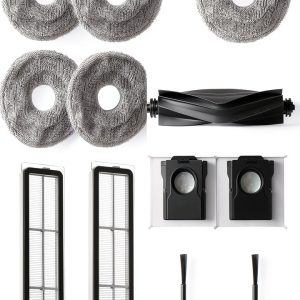 DREAME Robot Vacuum Accessories kit Compatible for L40s Ultra AE / L40s Ultra CE / L10s Ultra Gen2 / X30 Ultra / L10s Pro Ultra
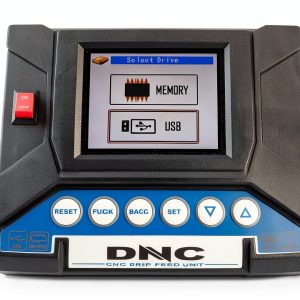 DNC-USB, DNCdevice for cnc machine
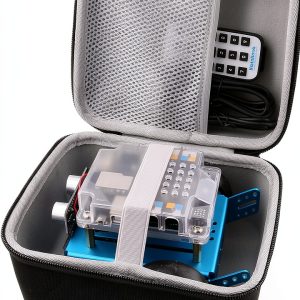 WERJIA Hard Carrying Case for Makeblock mBot Coding Robot Kit –
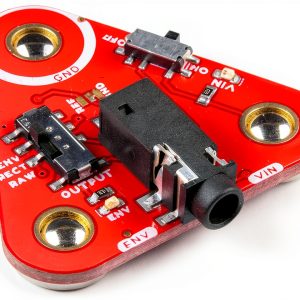 MyoWare 2.0 Link Shield Arduino Accessory 3.5mm TRS Snap Connectors
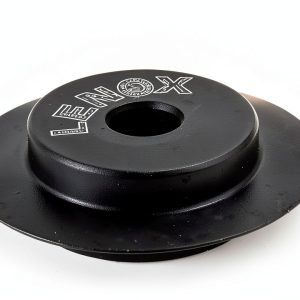 Lenox Tube Cutter Wheel Replacement Steel Rust Resistant
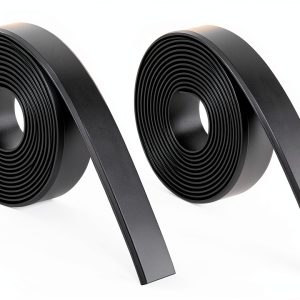 Tikom Boundary Stripes for Robot Vacuum Pro 6.6ft x 2 (2m x 2)
Reviews
There are no reviews yet.