
Description
Product Overview
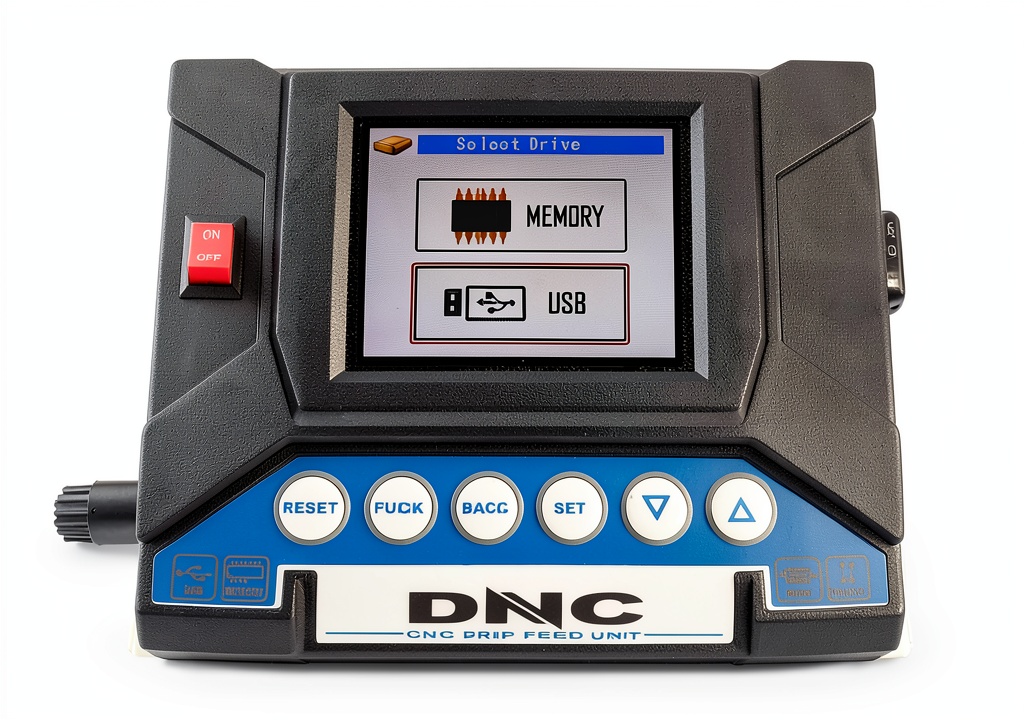
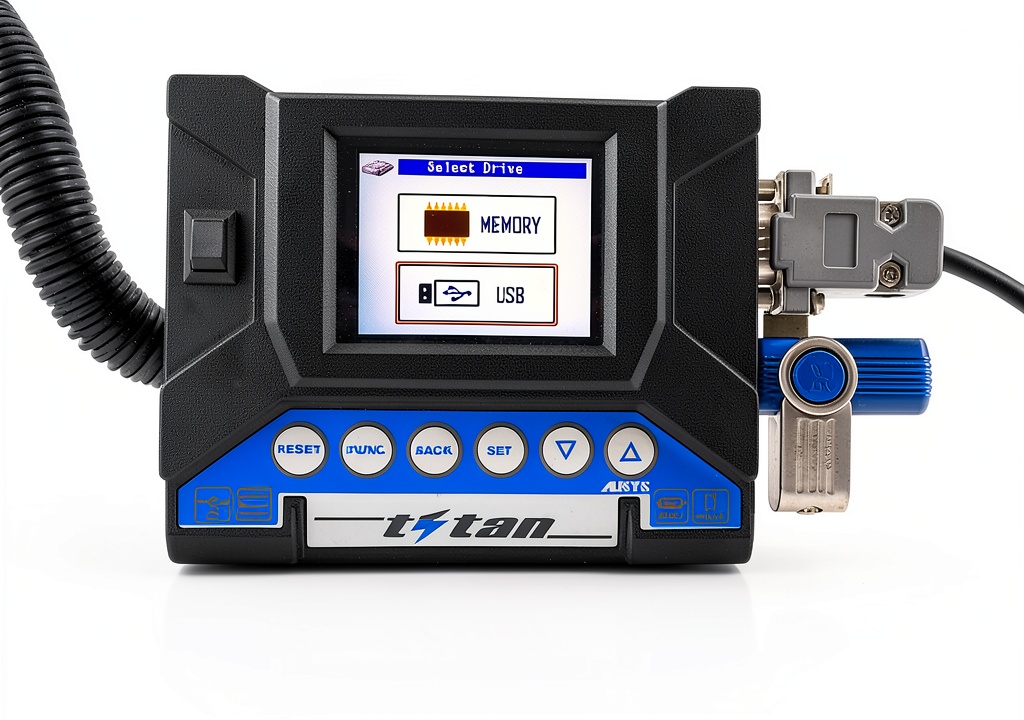
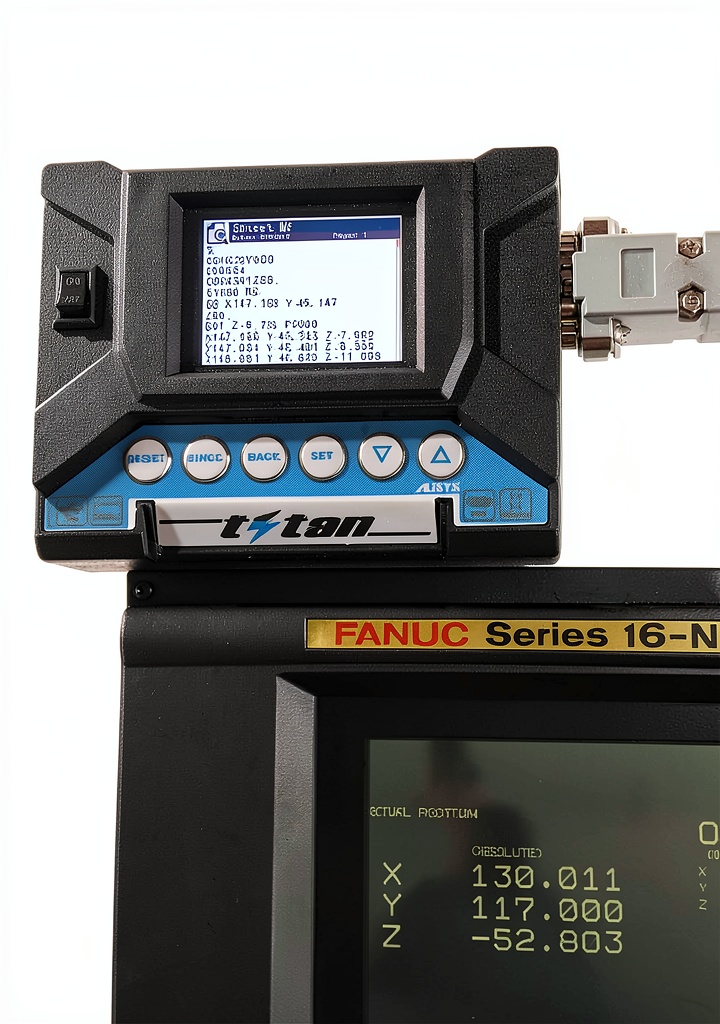
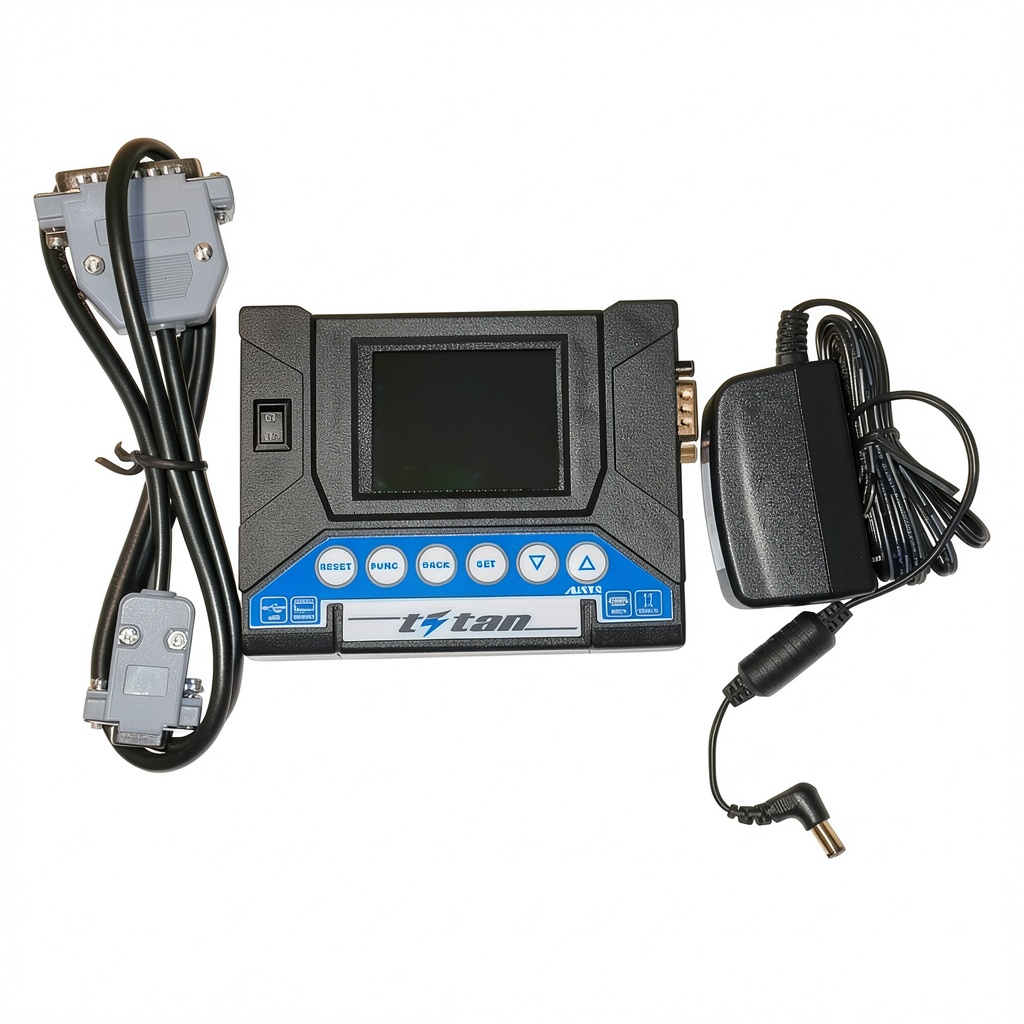
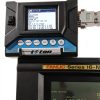
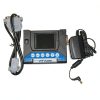
The DNC-USB from DNCdevice is engineered as a compact, rugged solution for transferring CNC machine programs without the need for specialized hardware. Housed in a durable ABS enclosure weighing just over one pound, the unit measures 7.05 x 4.09 x 3.27 inches, making it easy to carry in a tool bag or pocket. It connects to the CNC controller via a standard RS232 serial port and includes a pre‑wired RS232‑to‑12VDC cable adapter, eliminating the need for additional wiring or adapters. Power is supplied directly from the CNC machine’s DC source, so no external batteries are required. The device supports three core functions—SEND, FORCED SEND, and RECEIVE—allowing operators to upload new programs, force a transfer when the CNC does not issue the XON signal, or download existing programs and parameters for backup or analysis. Compatibility with any USB flash drive (thumb drive, pen drive, memory stick) ensures that users can work with familiar storage media, while the intuitive LED indicators provide real‑time status feedback during each transfer operation.
Usage
Designed for the modern machine shop, the DNC-USB fits seamlessly into a variety of operational environments. Whether you are running a small boutique CNC shop, a mid‑size manufacturing line, or a field service team repairing equipment on site, the device’s plug‑and‑play nature reduces setup time to seconds. Technicians can quickly connect the RS232 cable to the machine’s control port, insert a prepared USB drive, and initiate a transfer from the device’s simple menu system. The SEND function streams the program to the CNC, while FORCED SEND bypasses any handshaking delays, ensuring that critical updates are applied even when the controller is busy. RECEIVE allows for effortless extraction of existing programs, facilitating version control, backup, and troubleshooting. Because the unit operates on the machine’s own DC power, it can be used in locations without access to external power sources, making it ideal for on‑site repairs, temporary production lines, and training environments where flexibility is paramount.
Why Choose Us
Choosing the DNC-USB means selecting a product backed by a brand dedicated to precision engineering and customer satisfaction. DNCdevice has a reputation for delivering reliable industrial accessories that meet rigorous quality standards, and this unit is no exception. Each device undergoes a multi‑stage testing process, including electrical safety verification, data integrity checks, and environmental stress testing, to guarantee performance under the demanding conditions typical of CNC operations. The inclusion of a comprehensive user manual, quick‑start guide, and responsive technical support ensures that users can get up and running with minimal training. Moreover, the DNC‑USB is covered by a one‑year limited warranty, reflecting confidence in its durability and long‑term reliability. For organizations that prioritize uptime, data security, and ease of use, the DNC‑USB offers a cost‑effective, high‑performance solution that integrates smoothly with existing workflows.
Key Features
- Portable design lets you carry the device between machines, reducing downtime.
- RS232 cable adapter included, so no extra wiring is needed for immediate deployment.
- Three transfer modes—SEND, FORCED SEND, RECEIVE—cover all common CNC data tasks.
- Works with any standard USB flash drive, eliminating the need for proprietary media.
- Responsive customer support and one‑year warranty provide peace of mind after purchase.
FAQ
What types of CNC controllers are compatible with the DNC‑USB?
The DNC‑USB is compatible with any CNC controller that provides a standard RS232 serial port and accepts 12 V DC power. This includes most Fanuc, Haas, Siemens, and Mitsubishi controllers commonly found in machining centers and mills.
Do I need any special software to use the device?
No additional software is required. The DNC‑USB features an onboard menu system that lets you select the desired operation (SEND, FORCED SEND, or RECEIVE) directly from the device’s interface. All data is transferred via the USB flash drive you insert, making the process straightforward and self‑contained.
Can the DNC‑USB be used to back up existing CNC programs?
Yes. Using the RECEIVE function, you can download current programs and machine parameters onto a USB flash drive for archival, version control, or troubleshooting purposes. The retrieved files retain their original format, ensuring compatibility with the CNC controller.
What should I do if a transfer fails or the device does not respond?
First, verify that the RS232 cable is securely connected and that the CNC controller is powered. Check the LED indicators on the DNC‑USB for error codes, which are detailed in the user manual. If the issue persists, contact DNCdevice technical support; they can guide you through diagnostic steps or arrange a replacement if the unit is found to be defective.
Is the DNC‑USB suitable for field service technicians?
Absolutely. Its lightweight, battery‑free design and reliance on the CNC’s own DC power make it ideal for on‑site repairs, temporary setups, and mobile workshops where portability and quick installation are essential.
 TimmyHouse Sign Holder Frame 6x4 Shelf Mount
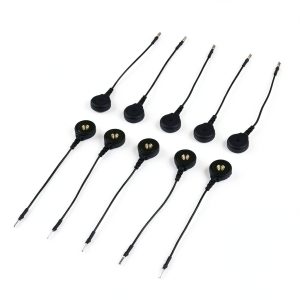 MyoWare Reference Cable for 2.0 Muscle Sensor Extension Pin Kit-19627
Reviews
There are no reviews yet.